The best way to build an iPhone app using Claude Code
Pick the mobile app template in FlowBar, answer a few simple questions about an app idea, and FlowBar turns your answers into a brief Claude Code can build from. Every template has expert prompts built in. No coding or prompt-writing skills required.
- Build time ~1 hour
- Hard
- A few screens
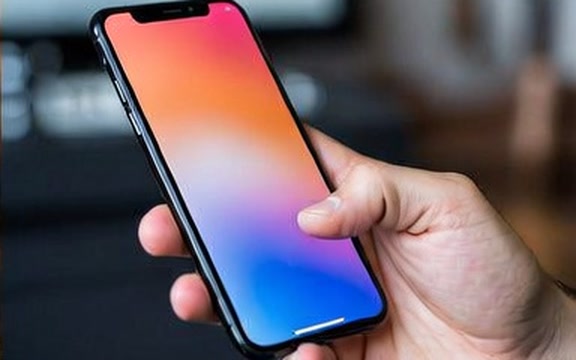
What an app idea needs on the site
- The first screen and the one thing it does
- Try it on your own iPhone while it's built
- Data saved on the phone
- A plan for what comes next
What you tell FlowBar
- What should the app do, and who is it for?
For example, a simple habit tracker for people who want a calm daily check-in - An app you like, ideally one like yours
Paste its App Store link or its website. Your agent copies its feel and learns what an app like yours needs.
What it comes with
- Runs on your iPhone with Expo
How it works
- Download FlowBar for Mac, the bar under Claude Code, and pick the mobile app template.
- Answer a few simple questions about an app idea, and paste a site you like.
- Claude Code builds it from the brief. When it needs you (a domain, a key, a deploy), FlowBar shows you what to click.
How you know it's done
The app opens on the user's own phone in Expo Go and does what it should, including the reminder.
Questions
What does a website for an app idea need?
The first screen and the one thing it does. Try it on your own iPhone while it's built. Data saved on the phone. A plan for what comes next.
Do I need to know how to code?
No. You answer a few simple questions in plain words, and FlowBar turns them into a brief with expert prompts built in. Claude Code does the building.
What is FlowBar?
FlowBar is a Mac app: the bar under Claude Code. When Claude needs you (open a page, paste a key, approve a deploy), it shows one button instead of instructions.
How long does it take?
About 1 hour for a first version, then you change what you like by asking.
Related builds
- The best way to build a barber shop website using Claude Code
- The best way to build a bakery website with online orders using Claude Code
- The best way to build a consultant website using Claude Code
- The best way to build a wedding planner website using Claude Code