The best way to build an online store using Claude Code
Pick the online shop template in FlowBar, answer a few simple questions about a small shop, and FlowBar turns your answers into a brief Claude Code can build from. Every template has expert prompts built in. No coding or prompt-writing skills required.
- Build time ~45 min
- Medium
- 4 pages
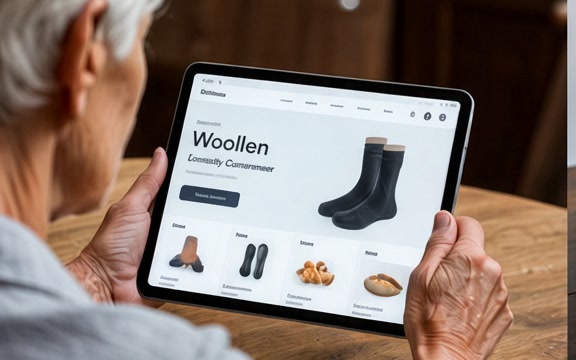
What a small shop needs on the site
- Products with photos, prices and stock
- A basket and a real checkout (Stripe)
- Order emails to you and the customer
- Delivery prices and returns, in plain words
What you tell FlowBar
- What do you sell, and who is it for?
For example, handmade candles for people who like quiet, simple home goods - A shop you like, ideally one that sells something like you do
Not sure? Search for “handmade candles shop” and paste one you like. Your agent copies its look and learns what a shop like yours needs.
What it comes with
- Keeps your work safe with GitHub
- Goes live with Vercel
- Gets your own domain with Cloudflare
- Takes card payments with Stripe
- Sends messages to your inbox with Resend (optional)
How it works
- Download FlowBar for Mac, the bar under Claude Code, and pick the online shop template.
- Answer a few simple questions about a small shop, and paste a site you like.
- Claude Code builds it from the brief. When it needs you (a domain, a key, a deploy), FlowBar shows you what to click.
How you know it's done
A test payment with Stripe's test card goes through checkout on the live shop.
Questions
What does a website for a small shop need?
Products with photos, prices and stock. A basket and a real checkout (Stripe). Order emails to you and the customer. Delivery prices and returns, in plain words.
Do I need to know how to code?
No. You answer a few simple questions in plain words, and FlowBar turns them into a brief with expert prompts built in. Claude Code does the building.
What is FlowBar?
FlowBar is a Mac app: the bar under Claude Code. When Claude needs you (open a page, paste a key, approve a deploy), it shows one button instead of instructions.
How long does it take?
About 45 min for a first version, then you change what you like by asking.
Can I use my own domain?
Yes. FlowBar helps connect a domain you own, with the DNS records filled in for you.
Related builds
- The best way to build a bakery website with online orders using Claude Code
- The best way to build a clothing brand store using Claude Code
- The best way to build a jewellery shop website using Claude Code
- The best way to build an electrician website using Claude Code
- The best way to build a personal trainer website using Claude Code
- The best way to build a designer portfolio using Claude Code